
Getting started with chairside, step by step.
Everything you need to go from your first login to your first exported prosthesis. Guides, videos and articles from the Circle One Help Center.
- 6 guides and videos
- No subscription
- Free help
What do you need to start chairside?
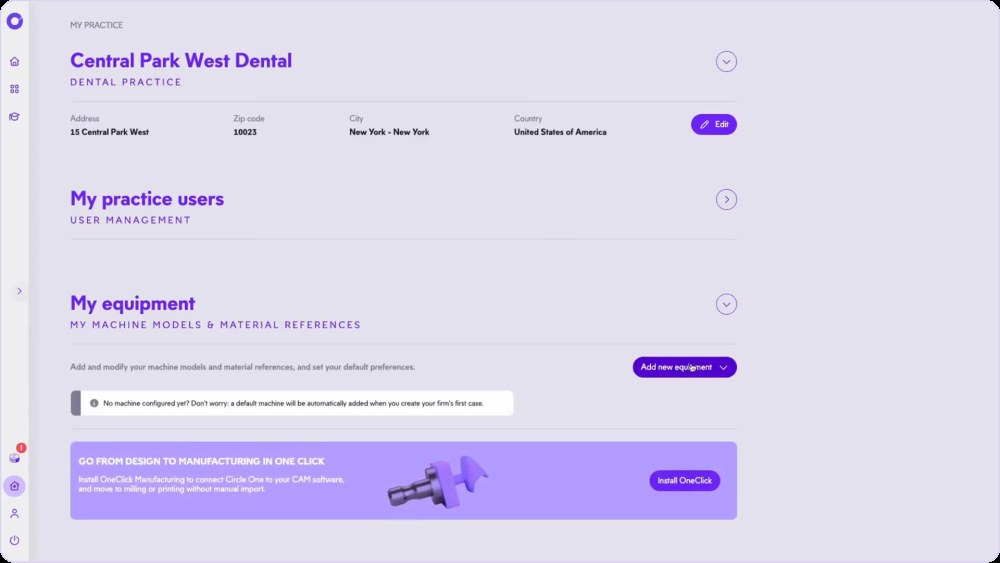
Four things: an intraoral scanner, a design software, a mill or 3D printer, and a few minutes to set them up together. With Circle One, you create your account, set your preferences and equipment, connect your scanner, then design your first case.
Read the getting started guide in the Help CenterFrom sign-up to your first prosthesis in 6 steps
Get started with Circle One
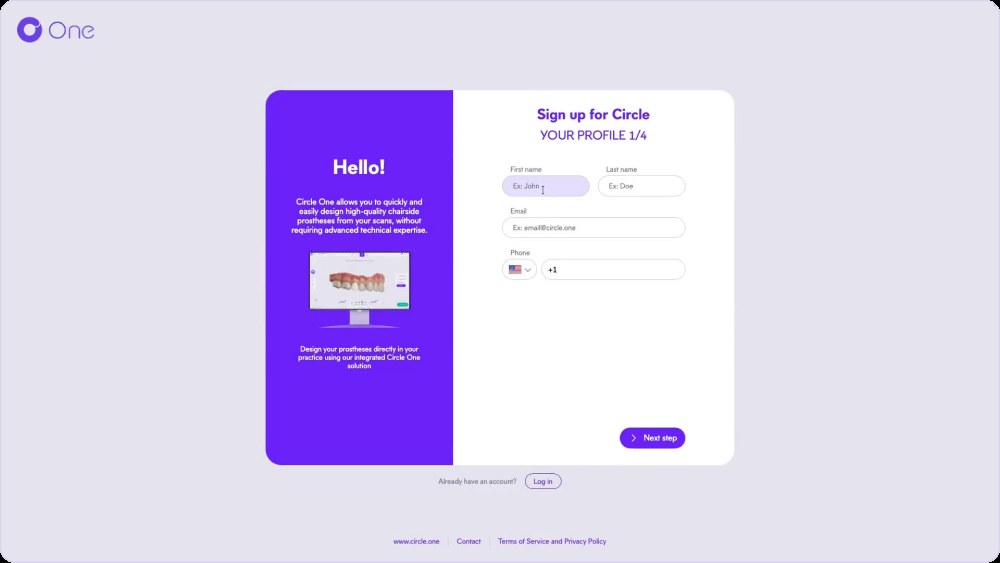
Create your account and customize your environment
Create your Circle One account and set up your workspace.
help.circle.one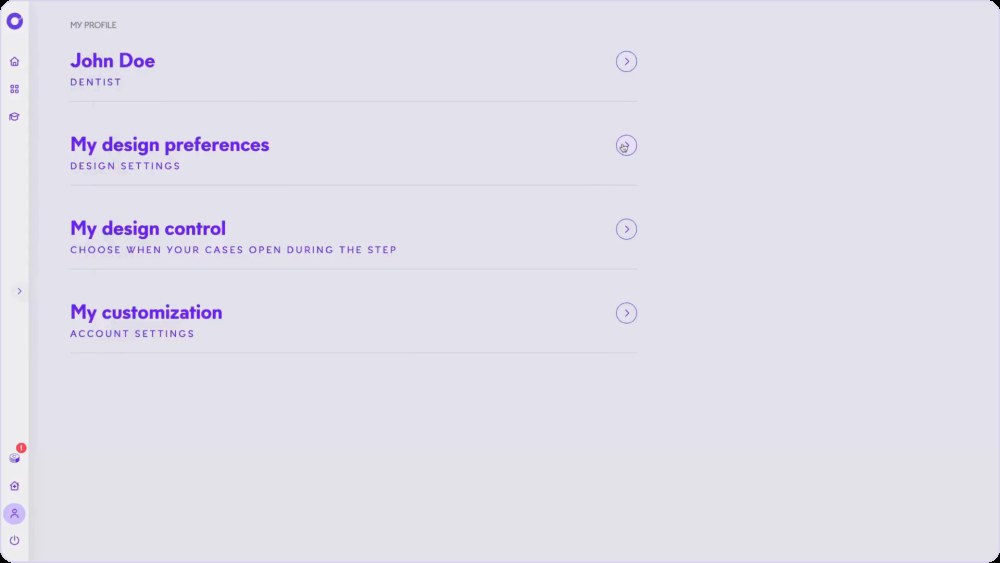
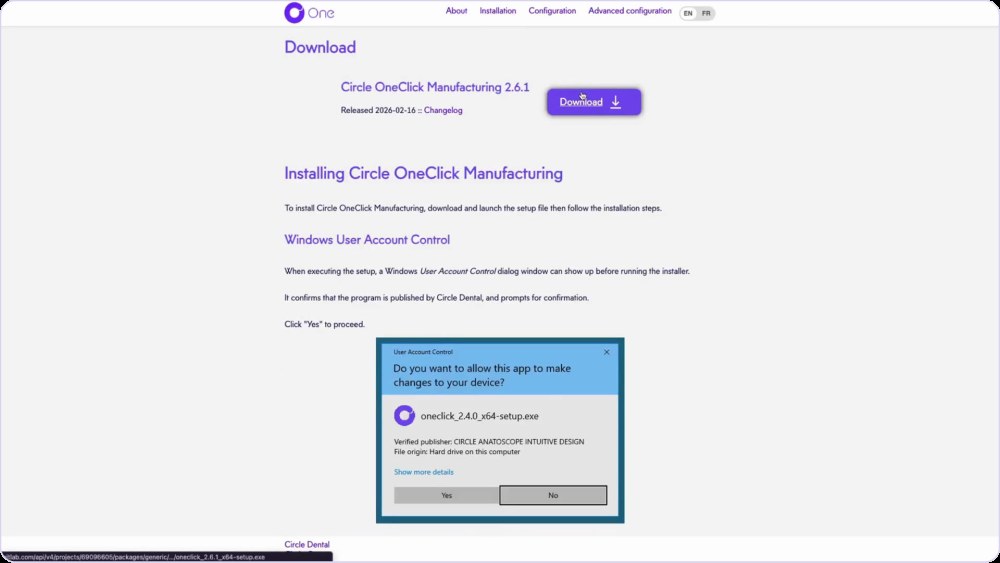
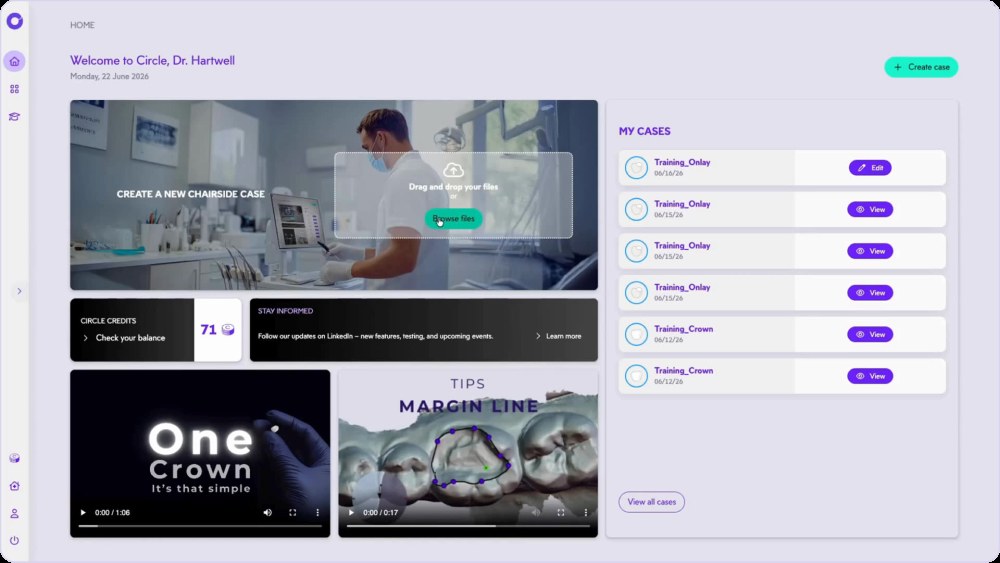
Connect your scanner
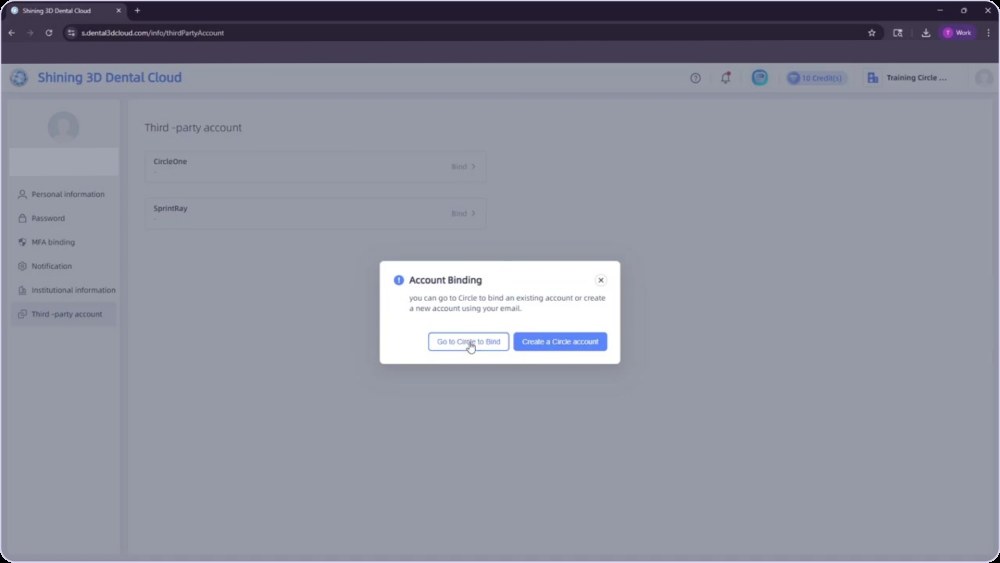
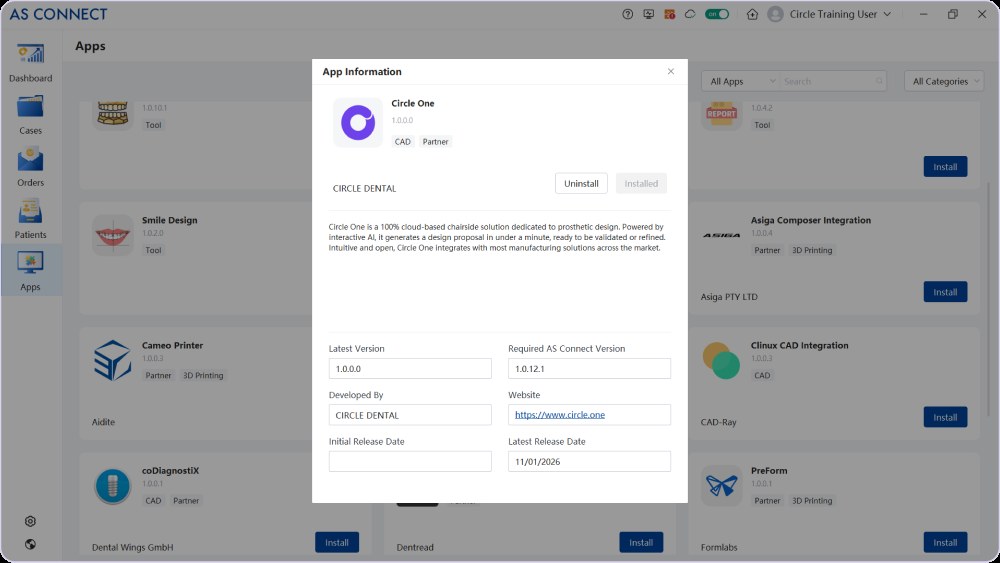
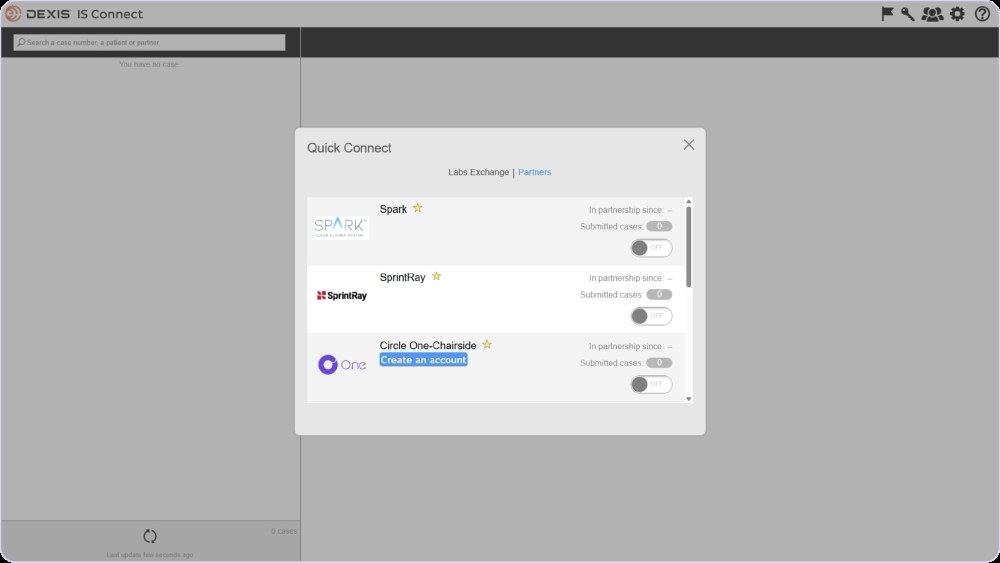
All scanners on the Connect your scanner page
Create a case
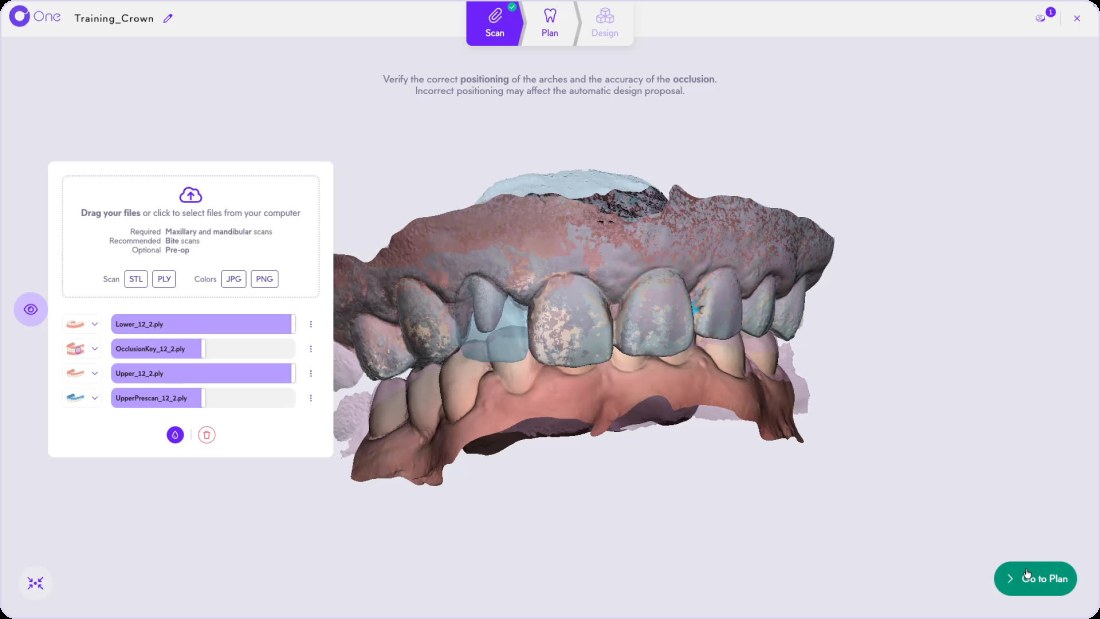
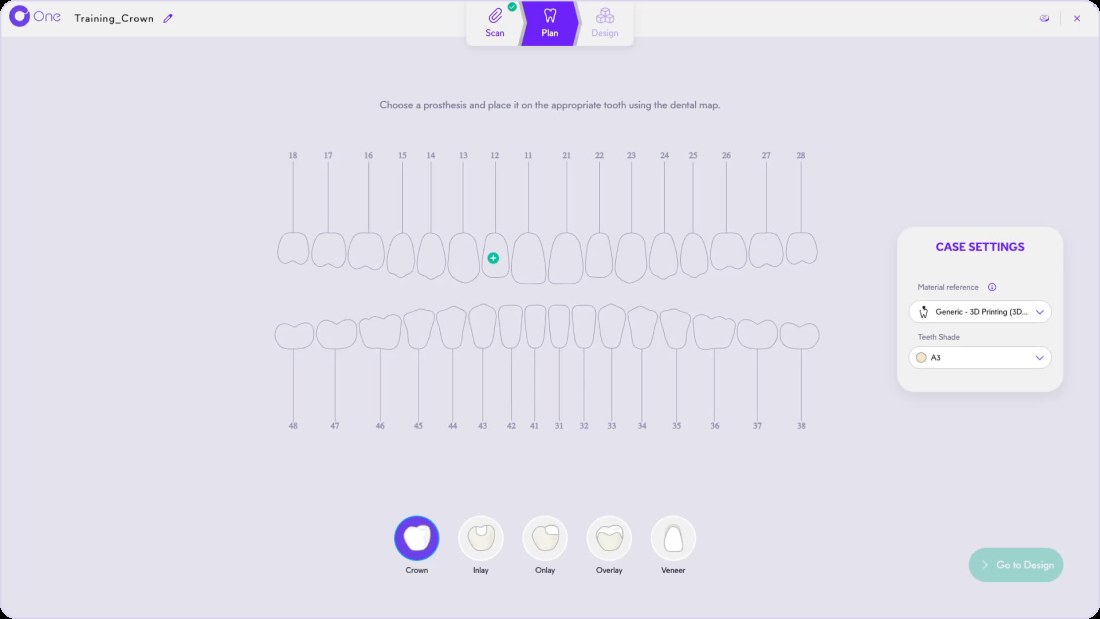
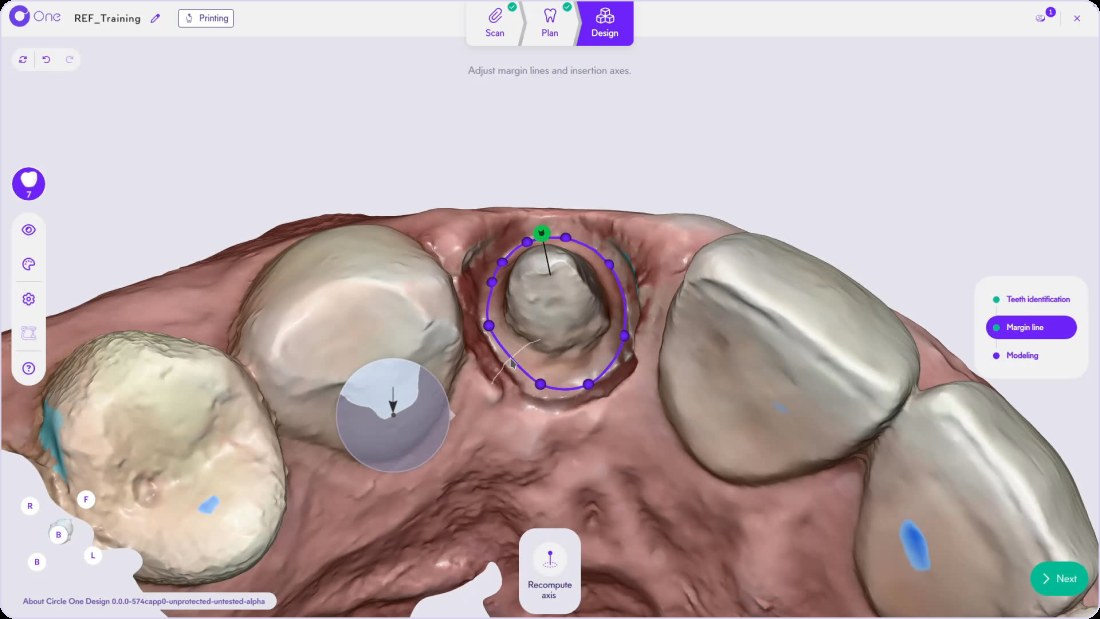
Create your account, click by click
The 4 account creation steps, in the Circle One interface.
Next: Connect your scanner · Compatibility
Getting started FAQ
Is the Help Center free?
Yes. Every guide, video and article is open at help.circle.one.
Do I need training before my first case?
No. You can start without training: every step is intuitive and guided.
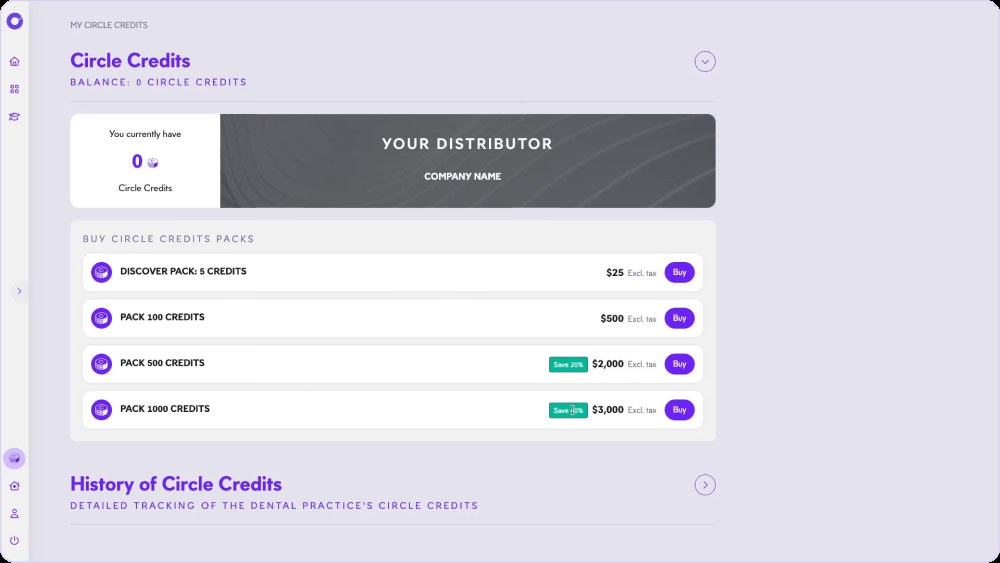
Where do I buy Circle Credits?
In My Circle Credits, from 5 credits for $25. Circle Credits
Your first case is a few clicks away.
Create your account, follow the guide, design your first prosthesis.
1 credit = 1 prosthetic tooth · No subscription · ISO 13485
*Average adjustment time after the automatic design proposal, measured in internal tests.
The whole chairside workflow
Start chairside: your account in 4 steps
Create your account


