
Chairside dental CAD/CAM: Circle One handles the design.
You keep your scanner and your machine. Circle One receives your scans, designs the prosthesis and generates the manufacturing files, in your browser. Compatibility
- 1 credit per prosthetic tooth
- No subscription
- ISO 13485
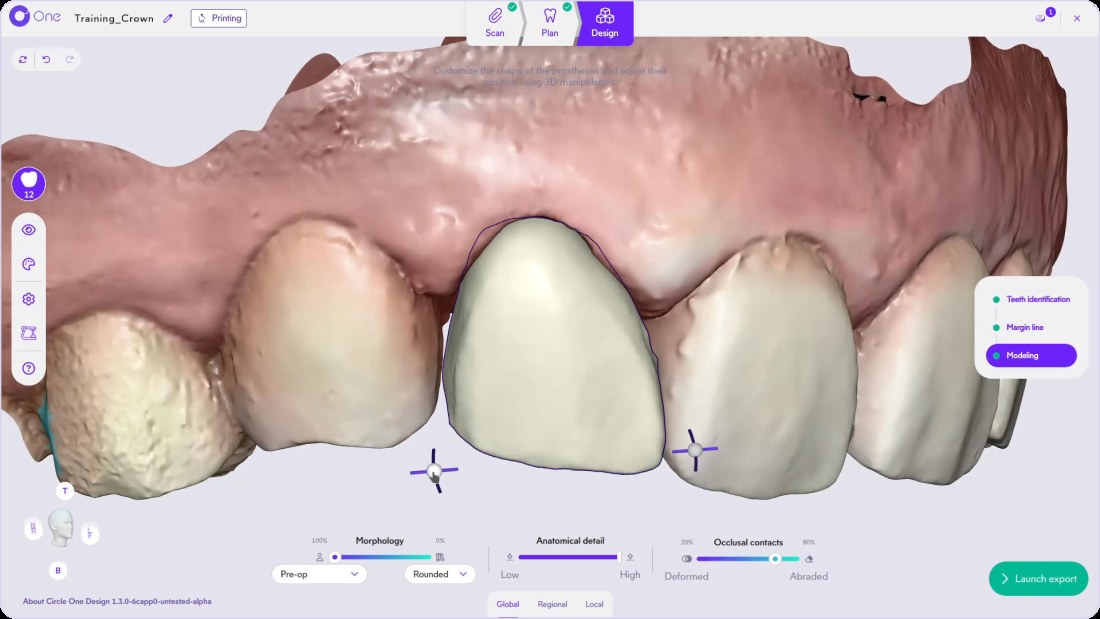
What is dental CAD/CAM?
Dental CAD/CAM (computer-aided design and manufacturing) links three steps: the optical impression, the design of the prosthesis and its production by milling or 3D printing. Circle One covers the middle part: it receives the scans, designs the prosthesis or prostheses and generates the manufacturing files.
Read the design guide in the Help CenterThree CAD/CAM steps, between your scanner and your machine
Circle One replaces neither your scanner nor your machine: it links the two.
Impression taking
Your intraoral scanner
- 01 · Scan reception: in 1 click from a partner scanner, or file import
- 02 · Prosthesis design: automatic proposal, then refinement
- 03 · Manufacturing files: generated for your machine and your material
Manufacturing
Your mill or 3D printer
What Circle One does at each step
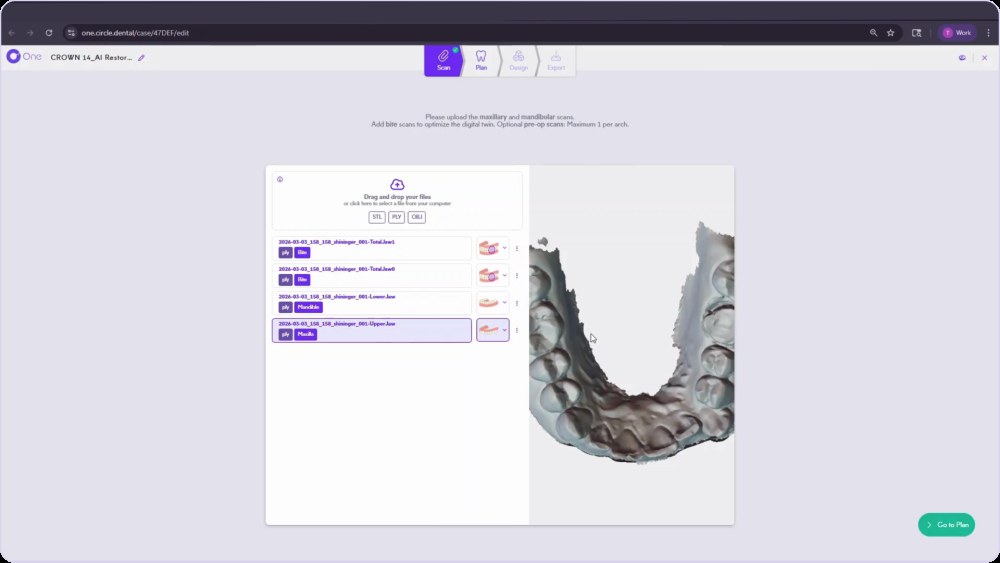
Scan reception
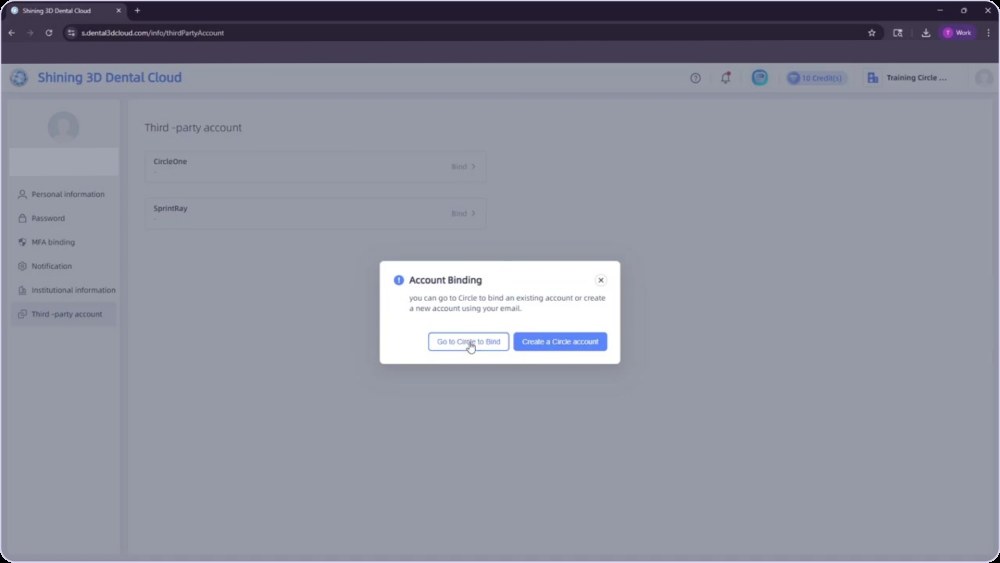
Cases arrive from Shining 3D, Alliedstar or DEXIS in one click. For other scanners, drop your STL or PLY files.
- Maxillary and mandibular
- Bite recommended
- Pre-op optional
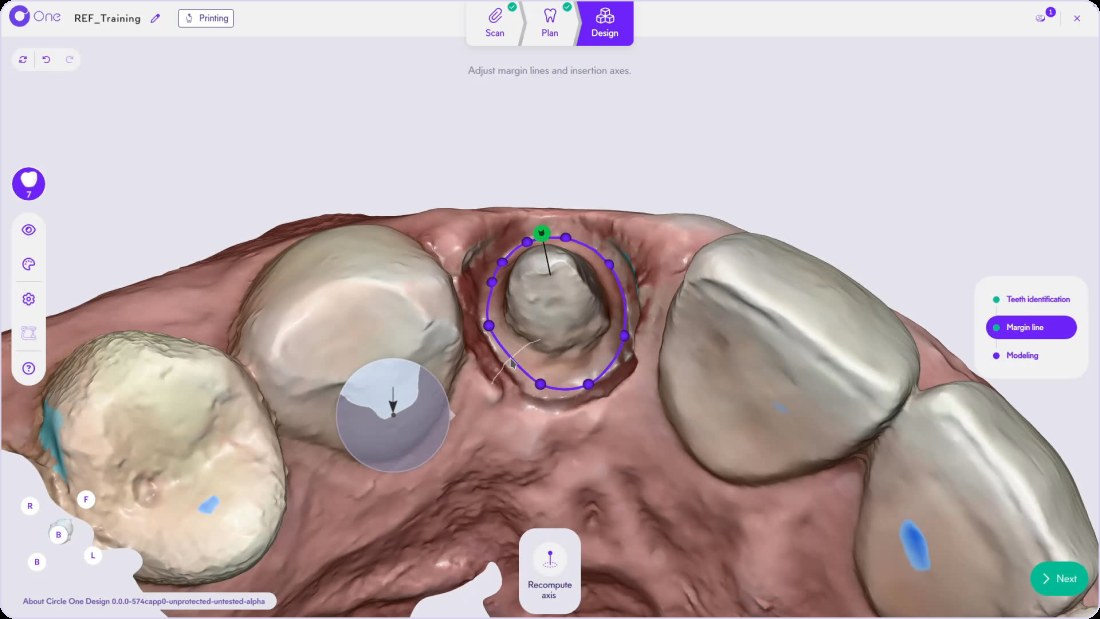
Design of the prosthesis or prostheses
Teeth identification, margin line and insertion axis proposed, automatic modeling, then refinement with the smart tools.
- Several prostheses per case
- Virtual articulator
- Minimum thickness shown
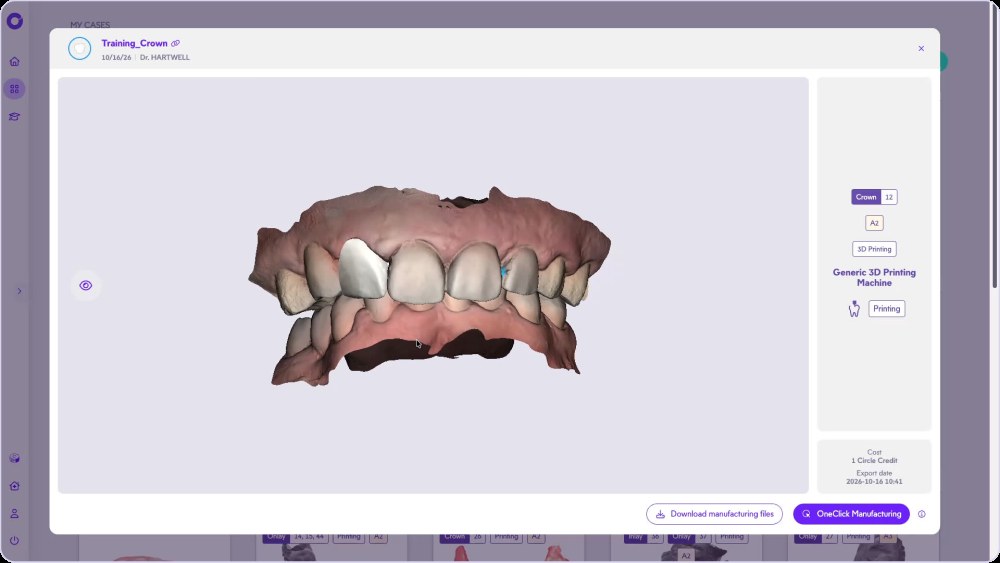
Manufacturing file generation
A case summary, then files tailored to your machine and your material.
- File download
- OneClick Manufacturing
- History in My cases
What Circle One does, what your equipment does
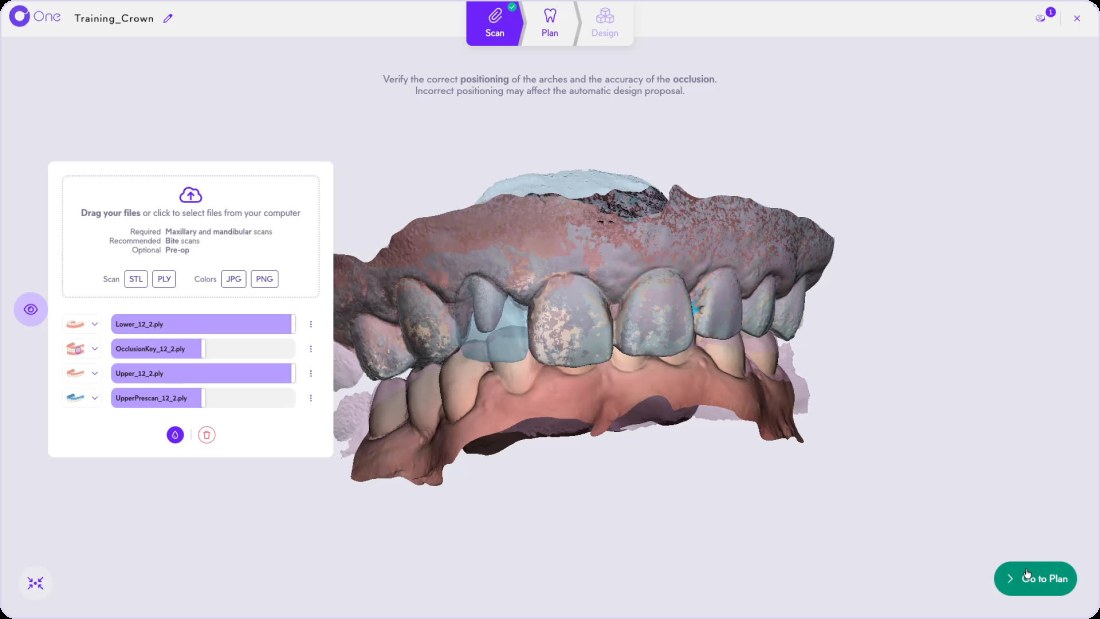
Design a crown with us, click by click
Crown: from scan to files.
Go further: Crown design · Chairside software
Guides to get started
Dental CAD/CAM: your questions
Does Circle One replace my scanner or my mill?
No. Circle One receives the scans from your scanner and sends the files to your machine. It handles the design, not the impression or the production.
Which scanners are compatible?
Shining 3D, Alliedstar and DEXIS in one click, and every other intraoral scanner via STL or PLY files. Compatibility
How much does a crown design cost?
1 Circle Credit per prosthetic tooth, no subscription. Circle Credits
Do I need to be a CAD expert?
No. The proposal is automatic and the refinement uses sliders, manipulators and brushes. The chairside software in detail
Design your first crown chairside.
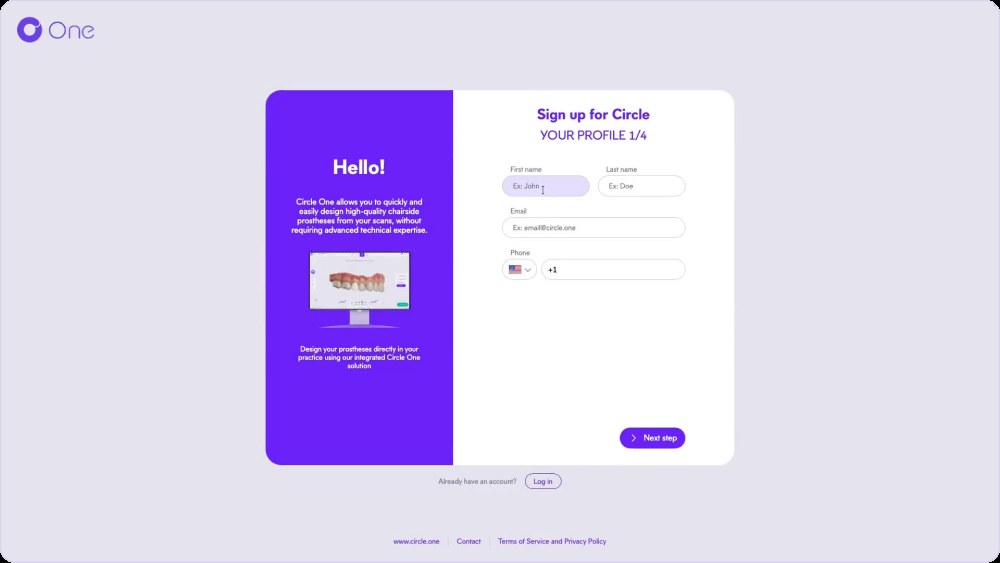
Create your account in a few clicks. No subscription.
1 credit = 1 prosthetic tooth · No subscription · ISO 13485
*Average adjustment time after the automatic design proposal, measured in internal tests.
The whole chairside workflow
Chairside design, from 5 credits for $25
Create your account


